
Switching · Import
Bring your home inventory over from another app
If the app you were using has closed, or its free plan no longer fits what you own, your inventory doesn’t have to start again on an empty screen. Export a CSV from wherever it lives now and hand it to Muninn: it works out which column is the item, which is the box and which is the room, and shows you exactly what will land before anything is added.
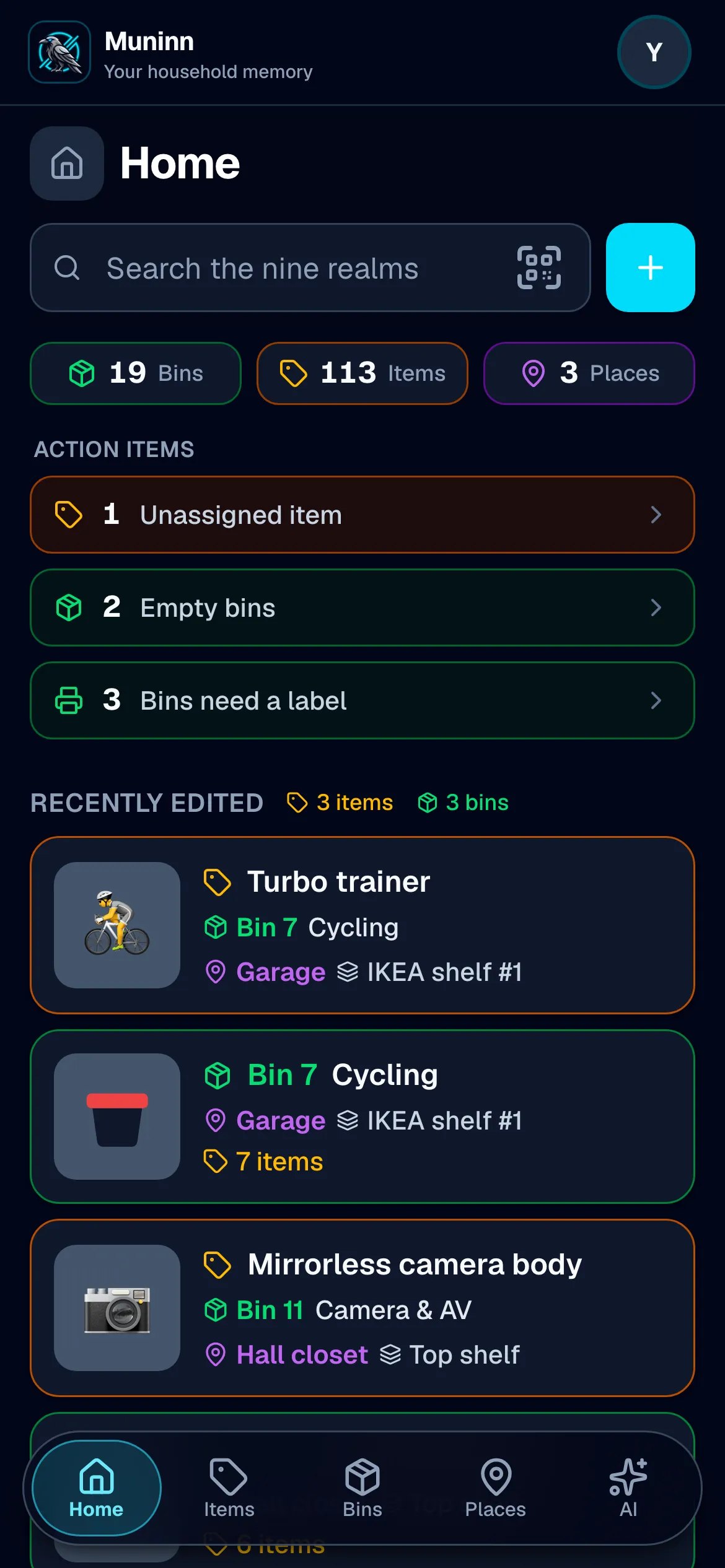
Start from the file you already have
Export your inventory from the app you’re leaving, or open the spreadsheet you’ve kept yourself, and choose the file on Muninn’s import screen. One column of item names is all it needs to begin.
Muninn matches the columns, you get the last word
It reads your header row and proposes which column is the item, the quantity, the box, the shelf and the room. Every match is a dropdown you can change — and getting your own data in never spends one of your AI autofills.
See what will happen before it happens
The preview counts what the file will add and shows the first rows as Muninn read them, naming any row it will skip. Nothing already in your household is changed: the import lands alongside it.
What the free plan holds
Free covers 6 bins and unlimited items, in as many places as you like. A file that would go over is refused before a single row is written, never half-imported — and whatever is in there stays yours to search and to export back out.
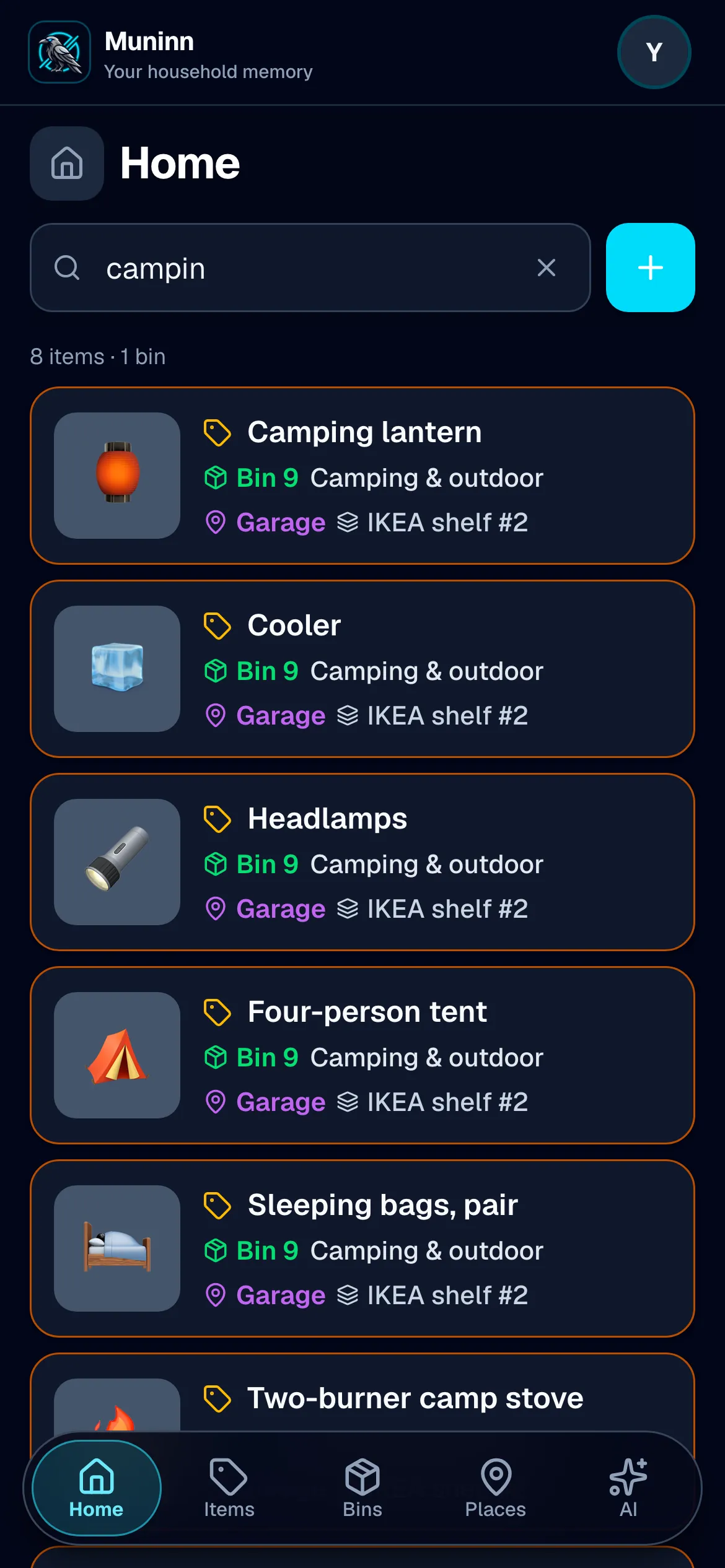
Move in from another inventory app, starting today
Free to start, on your phone and your computer. Label your first bin and see.